
My Portfolio
 CSS3
CSS3
I used CSS3 to create hover animations for links, rounded box edges, and drop-shadows. I also took extra care to support all browser CSS3 standards using -moz-, -webkit-, -ms-, -o-, and -khtml- wherever needed in order to create a consistent experience across all browsers.
 HTML5
HTML5
I used HTML5 to build a cleaner source code than plain HTML. HTML5 was also used in conjunction with a server-side language for client-side validation on my contact page in order to provide real-time feedback for users filling out the form.
 jQuery & JavaScript Libraries
Using jQuery and pre-made JavaScript libraries allowed me to add features to my portfolio faster than if I had to develop them myself. I utilize Modernizr.js to activate CSS3 and HTML5 features in older browsers, respond.js to allow for responsive CSS in older browsers, and Sticky-Kit for a sticky header on the about page.
 Responsive Design
My portfolio takes advantage of media queries to serve up the appropriate CSS styles for all screen resolutions. If you are viewing this page on a desktop, go ahead and adjust the width of the browser to see how it affects this page. respond.js is used to activate the required responsive features in older browsers.
 Server-Side Programming
Using server-side programming languages allow my portfolio to create each page from a basic template containing files detailing static features, such as the header/navigation and footer.
Valid HTML and CSS is a priority when it comes to creating long-lasting and dependent website. Because of this, I have taken extra care to validate each page to make sure they are up to W3C standards. Feel free to check the validity of each page by following the instructions here.
Portfolio Comparisons
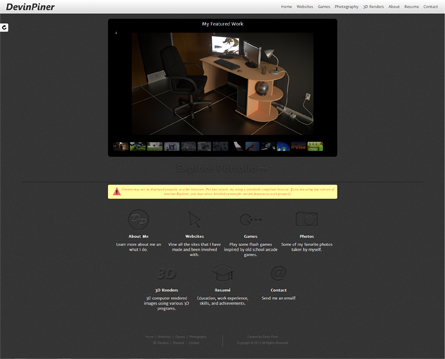
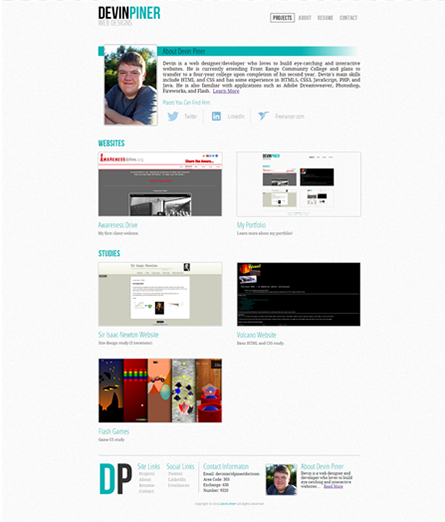
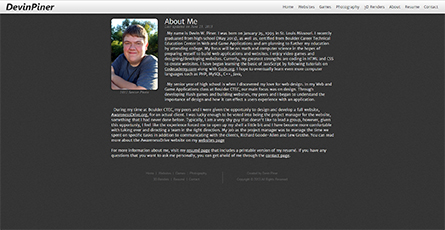
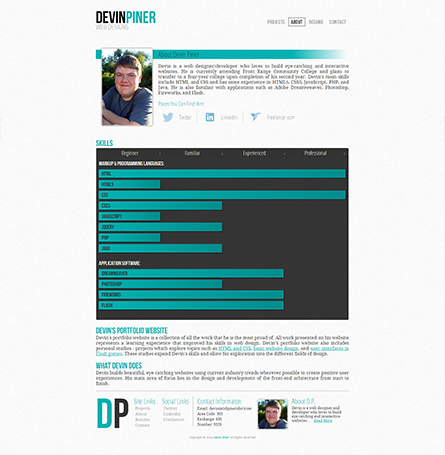
For a SkillsUSA competition, we were given an assignment to design and create our own online portfolio and resume. Competing againsts five of my peers, my portfolio stood out to the judges and won first place. After graduating high school and deciding that I wanted to make a career of making websites, I decided to redesign my portfolio to better match who I am as a web developer. To visualize how I have grown, both as a web developer and a person, I have placed both websites side-by-side to show how they have changed.
- Projects focused to fit field of study
- jQuery Slideshow replaced with gridded projects
- Personal introduction added to home page

- Rewritten introduction
- Introduction shortened and put in third-person
- Skills graph added
- Some elements changed to fit field of interest
- Overall design changed to improve readability
- Download link added
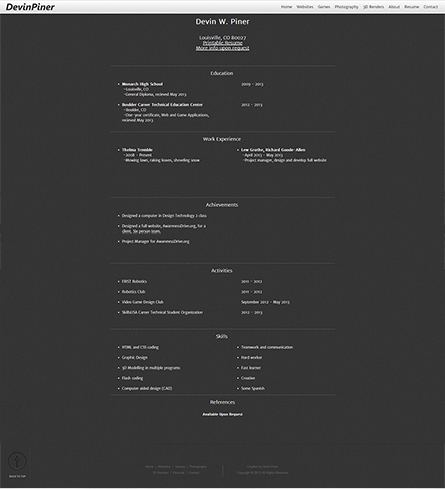
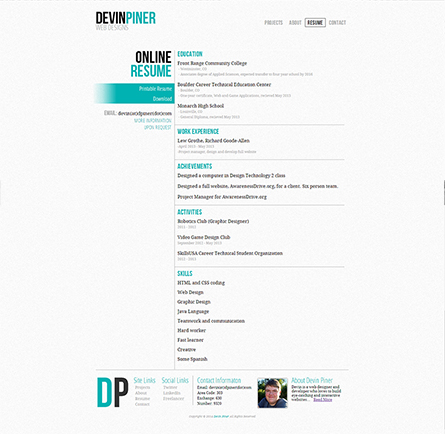
- Complete redesign
- Scripts written from scratch
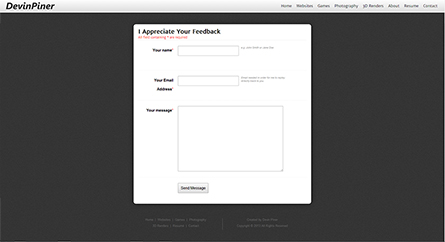
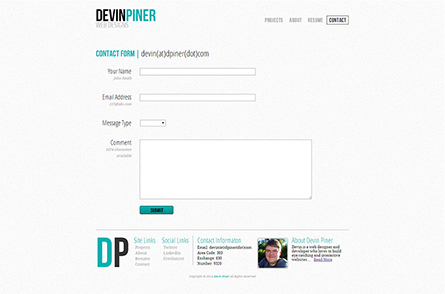
 BACK TO PROJECTS
 BACK TO TOP